How to sign a PDF contract online
A step-by-step guide to applying legally-binding drawn, typed, or stamped signatures to agreements and forms.
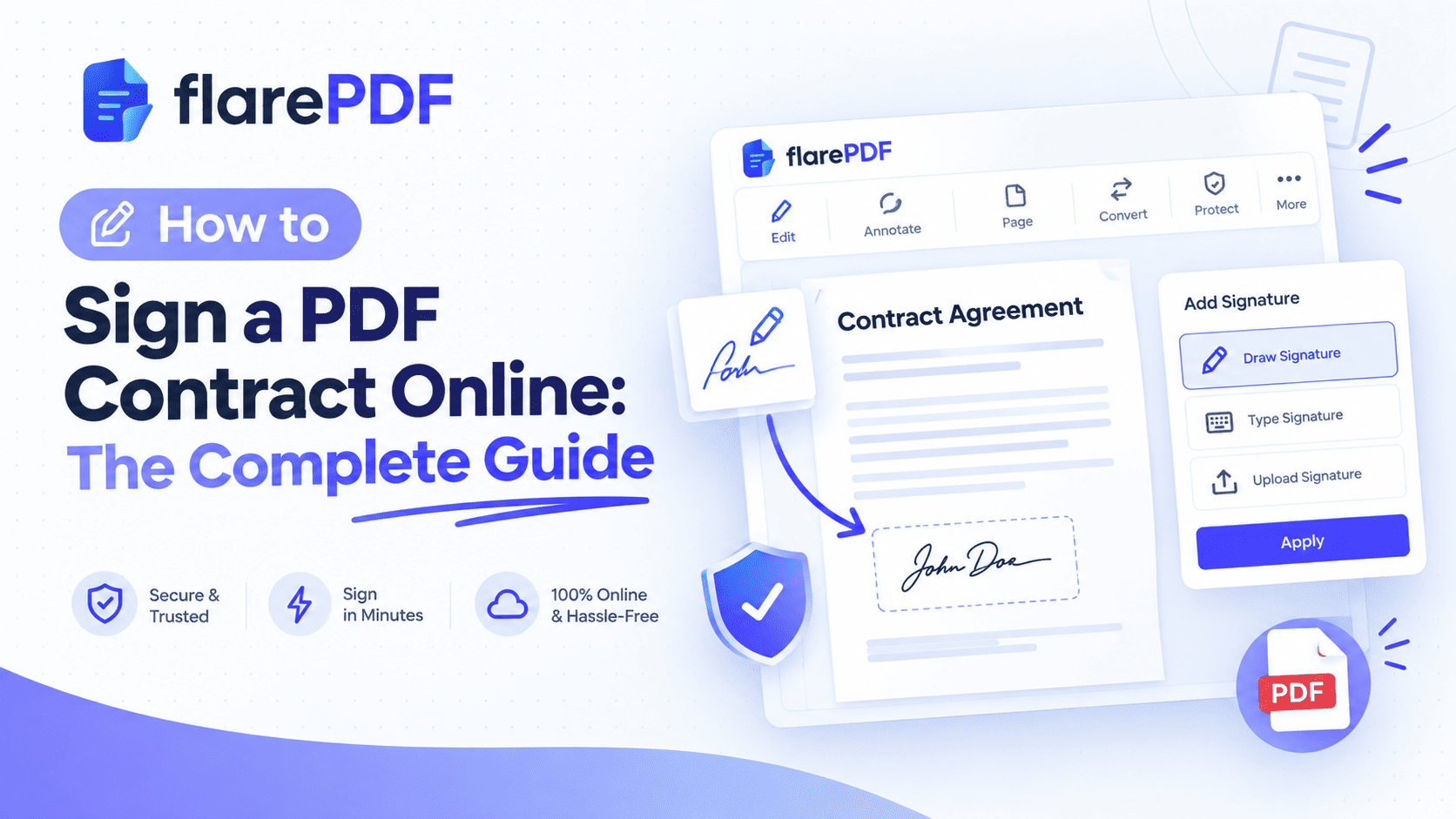
How to Sign a PDF Contract Online: The Complete Guide
Quick answer: Here is how to sign a PDF contract online in five steps:
- Open a free PDF signer such as FlarePDF Sign PDF.
- Upload your contract.
- Create your signature by drawing, typing or uploading it.
- Place it on the signature line, then add the date and your initials.
- Download the signed PDF and send it back.
You no longer need a printer, a pen or a scanner to close a deal. Yet many people still print a contract, sign it, scan it and email it back. That wastes time and often leaves you with a blurry, crooked copy.
This guide explains how to e-sign a PDF contract properly. It covers the tools you can use on any device, the difference between electronic and digital signatures, and the laws that make e-signed contracts valid. It also covers common mistakes to avoid. FlarePDF's tools are free, and you never need to create an account or log in.
What Does It Mean to Sign a PDF Contract Online?
Signing a PDF contract online means adding your legally recognized mark of agreement to a PDF document without printing it. That mark can be a typed name, a drawn signature, an uploaded signature image, or a certificate-based digital signature. The signed file then serves as your executed contract.
In plain terms, you do on screen what you used to do with a pen. You open the contract, review it, add your signature where it belongs and save the result.
The PDF format is ideal for this. A PDF looks the same on every device, so the other party sees exactly what you signed. PDF is also an open international standard (ISO 32000), maintained with help from the PDF Association. That standard includes built-in support for signature fields and digital signatures.
Electronic Signature vs Digital Signature: What Is the Difference?
This is the most common point of confusion. People often use the two terms as if they mean the same thing. They don't.
Electronic signature (e-signature): Any electronic sign that shows you agree to a document. A typed name, a drawn signature, a pasted image or a click on an "I agree" button all count.
Digital signature: A specific, high-security type of electronic signature. It uses cryptography and a digital certificate to prove who signed and to show whether the file changed afterward.
What is an electronic signature?
An electronic signature is any electronic symbol or process that a person attaches to a document to show intent to sign. It is simple and fast. It is also the type most everyday contracts use, such as freelance agreements, rental forms and NDAs.
Common forms include:
- Typed signature: your name in a script-style font.
- Drawn signature: your handwriting, made with a mouse, trackpad, finger or stylus.
- Uploaded signature image: a photo or scan of your real signature.
- /s/ signature: your name between two slashes, such as /s/ Jane Smith. Lawyers and court filings often use this format.
What is a digital signature?
A digital signature is a cryptographic signature tied to a digital signature certificate issued by a trusted certificate authority (CA). It relies on Public Key Infrastructure (PKI). When someone opens the file, their PDF reader checks the certificate and confirms the document has not changed since signing.
This makes digital signatures tamper-evident. If anyone edits the contract after signing, the reader flags the signature as invalid. The United States technical standard behind many of these systems is NIST's Digital Signature Standard (FIPS 186-5).
Which one do you need?
For most private business contracts, a standard electronic signature is enough. You need a certificate-based digital signature when:
- A government office, bank or court requires it.
- Your country's law demands an advanced or qualified signature for that document type.
- You work in a regulated field that requires strong signer identity verification.
Pro tip: If the contract does not say which type is required, ask the other party before you sign. It is quicker than signing twice.
Why Sign Contracts Online?
Online contract signing is now normal for work, study and personal paperwork. Here is why it makes sense.
- It saves time. You can sign and return a contract in minutes instead of days.
- It works remotely. Remote signing lets you close a deal with a client in another city or country.
- It creates a paperless workflow. No printing, no scanning, no courier fees.
- It keeps files clean. A signed PDF looks sharper than a phone photo of a paper page.
- It is widely accepted. Most countries treat e-signatures as legally valid for most contracts.
Think about a freelancer in Lahore who needs to sign a client agreement from a company in Texas. Printing and posting it would take a week. Signing it online takes five minutes.
How to Sign a PDF Contract Online With FlarePDF
The simplest way to sign a PDF document online is to use the free Sign PDF tool on FlarePDF. You do not need an account, a login or any software download.
- Open the FlarePDF Sign PDF page in your web browser.
- Upload the PDF contract you need to sign.
- Create your signature. Draw, type or upload it. [VERIFY: signature options available]
- Place the signature on the signature line and resize it to fit.
- Add the date and your initials where the contract asks for them. [VERIFY: date and initials fields]
- Download the signed PDF and send it back to the other party.
Quick note: Read the whole contract before you sign it. Check every page for blank fields, missing names or wrong dates.
How do I sign a PDF without printing it?
You sign a PDF without printing it by using an online PDF signer or a built-in app. Upload the file, add your signature on screen and save it. The whole process stays digital, from the moment you receive the contract to the moment you return it.
How do I sign a scanned PDF contract?
You sign a scanned PDF the same way as any other PDF. Upload it, place your signature and download it. If you only have a paper copy, first turn it into a PDF with the free Scan to PDF tool, then sign the result.
How do I fill and sign a PDF contract?
Many contracts ask you to fill in details such as your address or company name before signing. Use the free PDF Editor to add text to the form. Then add your signature to the PDF with the signing tool. For a deeper walkthrough on editing, read our guide on how to edit text and pages in a PDF.
Other Ways to Sign a PDF Contract on Any Device
A browser tool works everywhere. Still, your device may already have a signing feature built in. Here are the most common options.
How to sign a PDF on Mac using Preview
Mac users can sign a PDF for free with the built-in Preview app.
- Open the PDF in Preview.
- Click the Markup toolbar button, then the Sign button.
- Create a signature with your trackpad, or hold your signature on paper up to the camera.
- Click the signature to insert it, then drag it into place.
- Save the file.
Preview saves your signature, so you can reuse it on future contracts.
How to sign a PDF contract on iPhone or iPad
On iPhone and iPad, you can sign a PDF with Apple Markup. Open the PDF in the Files app or from a Mail attachment. Tap the Markup icon, tap the plus button and choose Add Signature. Draw it with your finger or Apple Pencil, place it and tap Done.
How to sign a PDF contract on an Android phone
Android does not include a universal built-in PDF signer. Most users install a PDF app such as Adobe Acrobat Reader and use its Fill & Sign feature. Another option is to open a browser-based PDF signer, upload the file and sign with your finger.
How to sign a PDF in Adobe Acrobat Reader
Adobe Acrobat Reader lets you sign PDFs with its Fill & Sign tool. Open the file, choose Fill & Sign, then select the option to add a signature. Type, draw or upload an image of your signature, then place it on the page and save.
How to sign a PDF contract in Microsoft Edge or Google Chrome
Microsoft Edge has a built-in PDF viewer with drawing and text tools. You can draw your signature with a mouse or pen and save the file. Google Chrome's viewer is more limited, so most people use an online PDF signer inside Chrome instead.
How to sign a PDF in Google Drive
Google Drive does not sign PDFs on its own for most personal users. Some Google Workspace plans include an eSignature feature for Docs and PDFs. [VERIFY: current Google Workspace eSignature availability] Otherwise, download the PDF, sign it with an online tool and upload it back to Drive.
How to sign a PDF sent by email
- Download the PDF attachment from Gmail, Outlook or any mail app.
- Sign it with a PDF signer.
- Save the signed copy with a clear file name.
- Reply to the email and attach the signed file.
Pro tip: Never overwrite the original. Keep the unsigned version too, in case you need to compare them later.
How to sign a PDF with a CAC card
A Common Access Card (CAC) is a smart card used by US Department of Defense staff. It holds a personal digital certificate. To sign with a CAC, connect a card reader, insert your card and open the PDF in Adobe Acrobat or Reader. Choose the certificate-based signing option, select your CAC certificate and enter your PIN.
How to add a signature in Word or Pages
Contracts sometimes start as Word or Pages files. In Microsoft Word, you can insert a signature line from the Insert tab, or insert an image of your handwritten signature. In Pages, you can add a signature image or draw one on an iPad. Many people simply export the document to PDF first, then sign the PDF. That keeps the layout fixed.
How do I create a handwritten signature for online use?
The easiest method is to sign your name in dark ink on white paper, then take a clear, well-lit photo of it. Crop it tightly and upload it as a signature image. If your photo is a JPG, you can turn it into a PDF with the free JPG to PDF converter.
How to Send a PDF Contract for Someone Else to Sign
Signing your own part is only half of contract execution. Often you need the counterparty to sign too.
The simple method
- Sign your section of the PDF.
- Email the signed file to the other party.
- Ask them to sign it and send it back.
- Save the final, fully signed copy.
This works well for two-party agreements such as freelance contracts and simple NDAs.
When you need a dedicated e-signature platform
Some contracts involve several people, a strict signing order or a full audit trail. For those, e-signature software may be a better fit. Well-known platforms include:
- DocuSign
- Adobe Acrobat Sign
- Dropbox Sign (formerly HelloSign)
- PandaDoc
- SignNow
- Zoho Sign
These tools use an "envelope" to bundle documents, route them to each signer in order, and record who signed and when. That record is called an audit trail. It can include email addresses, timestamps and sometimes IP addresses. If you already use DocuSign, see FlarePDF's DocuSign page. [VERIFY: DocuSign page content and anchor]
Quick decision guide:
One signer, simple contract, fast turnaround → a free online PDF signer is enough.
Many signers, set order, legal proof of each step → an e-signature platform with an audit trail.
Are Electronic Signatures Legally Binding?
Yes. In most countries, electronic signatures are legally binding for most contracts. Courts generally ask two questions. Did the person intend to sign? Can you show the signature belongs to them? Some documents, such as wills, have extra rules.
The details depend on where you and the other party are based. Here is a short overview.
United States
The federal ESIGN Act of 2000 says a contract cannot be denied legal effect just because it is electronic. Most states have also adopted the Uniform Electronic Transactions Act (UETA). New York uses its own similar law.
European Union
The eIDAS Regulation (EU) No 910/2014 sets three levels of e-signature:
- Simple electronic signature (SES): basic e-signatures, such as a typed name.
- Advanced electronic signature (AES): uniquely linked to the signer and able to detect changes.
- Qualified electronic signature (QES): an advanced signature backed by a qualified certificate. It has the same legal effect as a handwritten signature across the EU.
United Kingdom
E-signatures are recognized under the Electronic Communications Act 2000 and UK case law. The Law Commission has also confirmed that e-signatures can validly execute most documents.
Pakistan
The Electronic Transactions Ordinance 2002 gives legal recognition to electronic signatures and electronic documents. Advanced electronic signatures rely on certificates from accredited certification service providers. Some documents, such as wills and certain property transfers, are generally excluded.
India
The Information Technology Act 2000 recognizes electronic signatures. Many people use a Digital Signature Certificate (DSC) or Aadhaar-based eSign for official filings. The Act excludes some documents, including wills and contracts for the sale of immovable property.
Other countries at a glance
- Canada: Recognized under PIPEDA and provincial electronic commerce laws.
- Australia: Recognized under the Electronic Transactions Act 1999.
- UAE: Recognized under the country's federal law on electronic transactions and trust services.
- Singapore: Recognized under the Electronic Transactions Act.
- South Africa: Recognized under the Electronic Communications and Transactions Act (ECTA).
- Philippines: Recognized under the Electronic Commerce Act of 2000.
Quick note: This section is general information, not legal advice. For high-value or cross-border contracts, check with a qualified lawyer in your country.
Which Documents Cannot Be Signed Electronically?
Most countries exclude a small group of documents from standard e-signature rules. These often need wet ink, witnesses or notarization. Common examples include:
- Wills, codicils and testamentary trusts
- Some family law documents, such as adoption or divorce papers
- Court orders and official court documents
- Deeds or sale contracts for land and property in some countries
- Powers of attorney in some countries
- Certain notices, such as eviction, foreclosure or utility shut-off notices in the US
The list varies by country, so always check before you sign something high-stakes.
How to Make an E-Signature Legally Strong
A signature is only as strong as the proof behind it. Follow these habits to make your e-signed contracts easier to defend.
- Show clear intent. Sign in the obvious signature area, not in a random spot.
- Add the date. A date field next to your signature shows when you agreed.
- Initial every page if asked. Many contracts require initials on each page to show you saw it.
- Keep the email trail. The email where you sent the signed file acts as simple evidence.
- Use a digital signature for high-risk deals. Certificate-based signing adds document authentication and tamper evidence.
- Store a final copy. Save the fully signed version in a safe folder.
How do I verify a digital signature in a PDF?
Open the PDF in a reader that supports digital signatures, such as Adobe Acrobat Reader, and open the Signatures panel. It shows who signed, the certificate details, the timestamp, and whether the file changed after signing. A green check usually means the signature is valid.
Key Features and Benefits of FlarePDF for Signing Contracts
Completely free
Every FlarePDF tool is free to use. You don't pay to sign PDF files online or to use any related tool.
No account or login
You never create an account, sign up or log in. You open the tool, do the task and leave. That is useful when you need to sign a contract quickly on a work or shared computer.
Simple, focused tools
Each tool does one job. The Sign PDF tool signs. The PDF Editor edits. That keeps the process clear, even if you rarely work with PDFs.
A full set of related PDF tools
Contracts often need more than a signature. FlarePDF also offers tools to merge, split, organize, compress, crop, watermark and number PDF pages.
Why Choose FlarePDF?
FlarePDF suits people who want quick, no-hassle PDF work without paperwork of its own. You don't need to remember another password or wait for a verification email.
It is a good fit when you:
- Need to sign a single contract fast.
- Don't want to install software.
- Want to fix, combine or shrink the file before sending it back.
It may not replace a dedicated e-signature platform for complex, multi-signer workflows. For signing your own contracts quickly and for free, it keeps things simple.
Quick note on privacy: Before you upload any sensitive contract to any online tool, read that site's privacy policy. You can read FlarePDF's policy on the Privacy page. [VERIFY: file handling, encryption and deletion details before adding any claim]
Tips and Common Mistakes When You E-Sign a PDF Contract
Small errors can delay a deal or cause disputes later. Here is what to watch for.
- Read before you sign. It sounds obvious, yet many people sign without checking the payment terms or end date.
- Check page order. Make sure every page is present and in the right order. The Organize PDF tool helps you fix this before signing.
- Keep the original. Save an unsigned copy so you can prove what you received.
- Rename files clearly. Use names like "ClientName-Service-Agreement-Signed-2026-09-30.pdf" instead of "scan001.pdf".
- Don't edit a signed PDF. Changing a signed contract can break a digital signature and cause disputes. If terms change, create a new version and sign again.
- Use a clear signature image. A faded or pixelated image looks unprofessional. Use dark ink and good lighting.
- Check the file size before emailing. Large scanned contracts may bounce. Shrink them with the free Compress PDF tool.
How do I edit a signed PDF?
You generally should not edit a PDF after it has been signed. Editing breaks digital signatures and can make the contract look altered. If both parties agree to a change, edit the unsigned original, then have everyone sign the new version.
Why can't I sign a PDF document?
A PDF may block signing if it is password-protected, locked with security settings or already certified. Ask the sender for an unlocked copy or the password. If the file is a flattened scan, you can still place a signature image on it.
Real-World Examples of Online Contract Signing
The student
Ayesha gets an internship offer letter as a PDF. She signs it on her phone using Markup, adds the date and emails it back the same evening. She keeps both copies in a folder named "Internship 2026".
The freelancer
A web designer in the US receives a project agreement from a new client. He fills in his business details with a PDF editor, signs it online and returns it within an hour. The quick turnaround makes a strong first impression.
The HR team
A small company's HR manager needs a new hire's signed employment contract, tax forms and policy acknowledgment. She merges the files into one PDF so the employee can sign everything at once. For multi-step approvals across departments, the team uses an e-signature platform with a signing order.
The small business owner
A shop owner in Islamabad signs a supplier agreement. The supplier sent a scan of a paper contract. She turns it into a clean PDF, signs it, compresses it and sends it back by email before lunch.
Related PDF Tools You May Need
- Combine documents: Merge PDF files into one so the other party signs a single file.
- Pull out pages: Use Split PDF to send only the pages that need a signature.
- Label pages: Add page numbers to your PDF so every page of the contract is easy to reference.
- Mark drafts: Add a watermark to your PDF, such as "DRAFT", before the final version.
- Protect private details: Learn how to hide sensitive information in our guide on how to redact a PDF.
- Learn the basics: Our quick Sign PDF guide covers the tool itself in more detail.
Frequently Asked Questions
Can I sign a PDF contract online for free?
Yes. You can sign a PDF contract online for free with browser-based tools or built-in apps like Apple Preview and Markup. FlarePDF's Sign PDF tool is free and needs no account or login. Upload the file, add your signature and download the signed copy.
Is an electronic signature legally binding?
Yes, in most countries. Laws such as the US ESIGN Act, the EU eIDAS Regulation and Pakistan's Electronic Transactions Ordinance recognize e-signatures. Some documents, like wills and certain property deeds, may still need handwritten signatures, witnesses or notarization, so check local rules first.
What is the difference between an electronic signature and a digital signature?
An electronic signature is any electronic mark that shows your intent to sign, such as a typed or drawn name. A digital signature is a secure type that uses a certificate and cryptography to confirm the signer's identity and detect any changes to the document.
Can I type my name as a signature on a contract?
Yes. A typed name can count as a valid electronic signature in many countries if it clearly shows your intent to sign. Some legal filings use the /s/ format, such as /s/ John Smith. Certain official documents may require a stronger, certificate-based signature instead.
How do I sign a PDF on my phone?
On iPhone, open the PDF in Files or Mail, tap Markup, then Add Signature. On Android, use a PDF app with a fill-and-sign feature, or open an online PDF signer in your browser. Draw your signature with your finger, place it and save.
Is it safe to sign contracts online?
It is generally safe if you use trusted tools and good habits. Read the tool's privacy policy, avoid public Wi-Fi for sensitive files and keep a copy of the original. For high-value contracts, use certificate-based digital signatures or a platform with an audit trail.
Which documents cannot be signed electronically?
Wills, testamentary trusts, some family law papers, court orders and certain property deeds are often excluded from e-signature laws. Some countries also exclude powers of attorney. The exact list varies by country, so confirm the rules before signing any high-stakes legal document.
How do I know if a PDF signature is valid?
Open the PDF in a reader that supports digital signatures, such as Adobe Acrobat Reader, and check the Signatures panel. It shows the signer, the certificate and whether the file changed after signing. Simple image signatures cannot be verified this way.
Conclusion
Now you know how to sign a PDF contract online on any device. Choose a simple electronic signature for everyday agreements, and use a certificate-based digital signature when the law or the other party requires it. Read every page, keep your original and store the final signed copy safely.
Ready to close your next deal? Try the free Sign PDF tool now. No sign-up, no login.