flarePDF – Free Online PDF Editor (No Sign-Up, No Download)
Edit, convert, compress, merge, and sign PDFs — all in one free tool that runs directly in your browser. No account, no software, no watermark, and your files never leave your device.
Drop your files here, or browse
Supports PDF files up to 50MB
How flarePDF works
Edit, convert, compress, merge, sign, or protect any PDF in three simple steps — no account needed
Upload your file
Drag, drop, or browse any PDF.
It opens instantly — zero sign-up walls.
Choose your tool
Edit, convert, compress, merge, sign,
or protect — all from one place.
Download your finished PDF
Export a clean, watermark-free PDF —
no upload, no waiting, no subscription.
Why choose flarePDF over other PDF tools
Most online editors upload your private files to remote servers, lock core tools behind expensive monthly plans, or paste crude font overlays. flarePDF was engineered with a fundamentally modern architecture: client-side processing, native typography preservation, and total privacy.
| Capability | flarePDF(Browser Native) | Traditional Tools (Adobe, Smallpdf) |
|---|---|---|
| Privacy & Security | 100% Client-Side Execution Files are processed directly in your browser. Zero uploads, zero server caching. | Mandatory Cloud Uploads Documents are transmitted, processed, and stored on third-party remote servers. |
| Typography Preservation | Native Embedded Fonts Reuses original embedded font glyphs so edited text matches seamlessly. | Crude Overlays & Fallbacks Pastes generic system fonts over white background boxes, altering layout. |
| Cost & Usage Limits | Truly Unlimited & Free No paywalls, no page limits, and zero daily caps on all core PDF tools. | Aggressive Paywalls Allows 1–2 free tasks before requiring recurring $15–$25/month subscriptions. |
| Export Watermarks | Zero Watermarks Exports are completely clean with no company logos or stamps added. | Forced Watermarks Free tier exports are stamped with intrusive third-party branding. |
| Setup & Installation | Instant In-Browser No account needed, no email capture, and zero software downloads. | Forced Accounts & Bloat Requires account creation or multi-gigabyte desktop software installers. |
| Legally Binding Signatures | Official DocuSign Integration Enterprise audit trails, certificate of completion, and legal compliance. | Unverified Canvas Scribbles Basic drawn marks without legal validity, tamper evidence, or audit logs. |
All your PDF tools in one place
Everything you need to edit, convert, organize, and sign PDF documents online.
Edit PDF text
Change existing text, keep the original font.
Sign PDF
Draw or type a signature with verified safety.
DocuSign
Legally binding e-signatures, audit trails, and multi-signer workflows.
Organise pages
Reorder, rotate, delete, or duplicate single sheets.
Merge PDF
Combine files in any order into a single document.
Split PDF
Extract pages or ranges into standalone files.
Compress PDF
Smaller files, readable pages, maximum quality kept.
PDF to JPG
Extract every page as high resolution images.
Who uses flarePDF?
Students, professionals, and teams use flarePDF for everyday document work — without ever paying a cent.



Frequently Asked Questions
Quick answers about editing, converting, securing, and signing PDFs online for free with flarePDF.
Get started now
Stop printing, signing, and rescanning. Stop hunting for a PDF editor that actually edits. Drop your first file into flarePDF and see your finished PDF ready in seconds.
- Free forever
- No sign-up
- No watermark
- Private, in-browser
Latest from the Blog
Helpful guides, tips, and tutorials to master your PDF workflows.
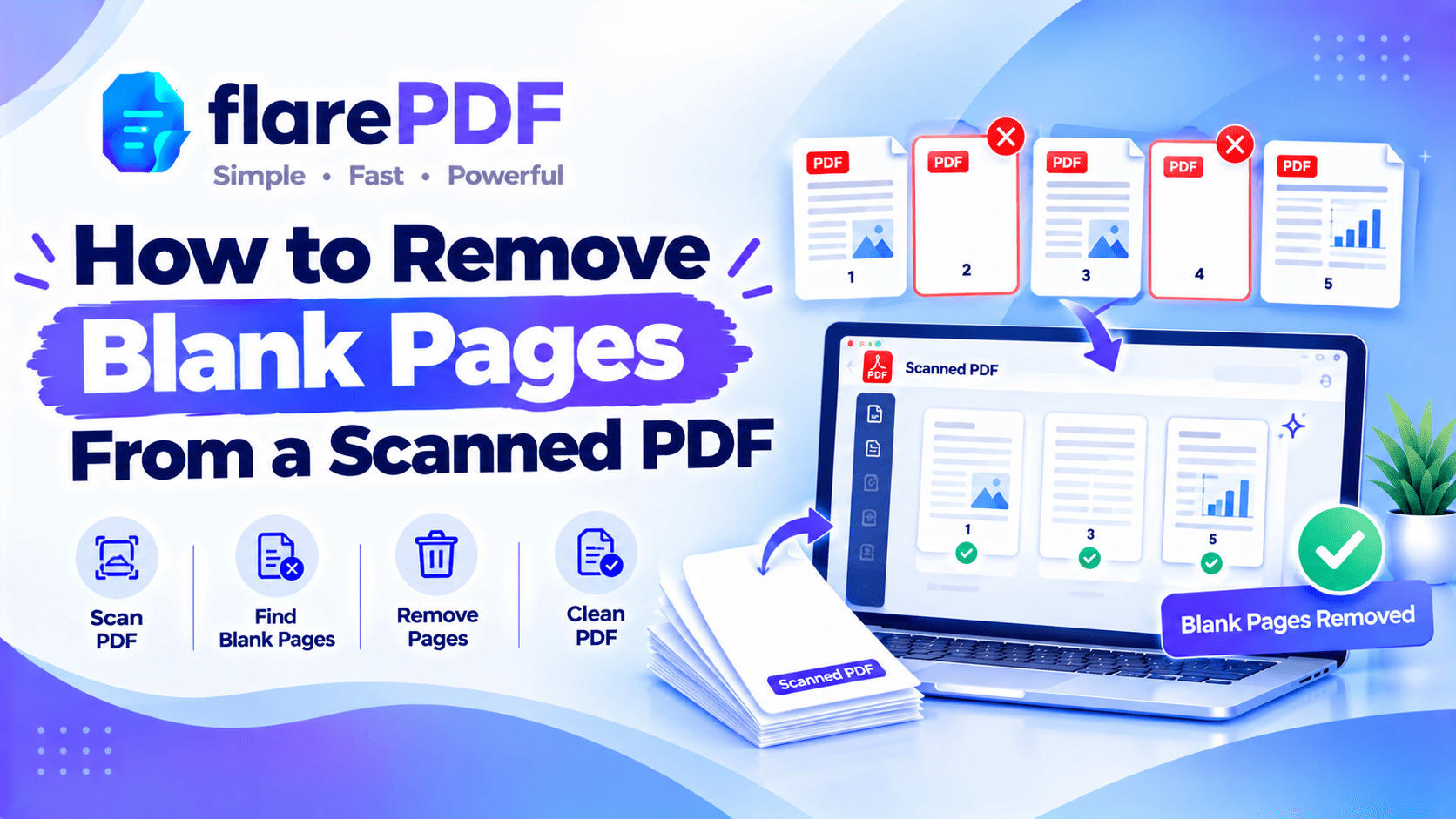
How to Remove Blank Pages From a Scanned PDF (Free)
Learn how to remove blank pages from a scanned PDF for free. Find and delete empty pages fast, and stop your scanner from adding them next time.
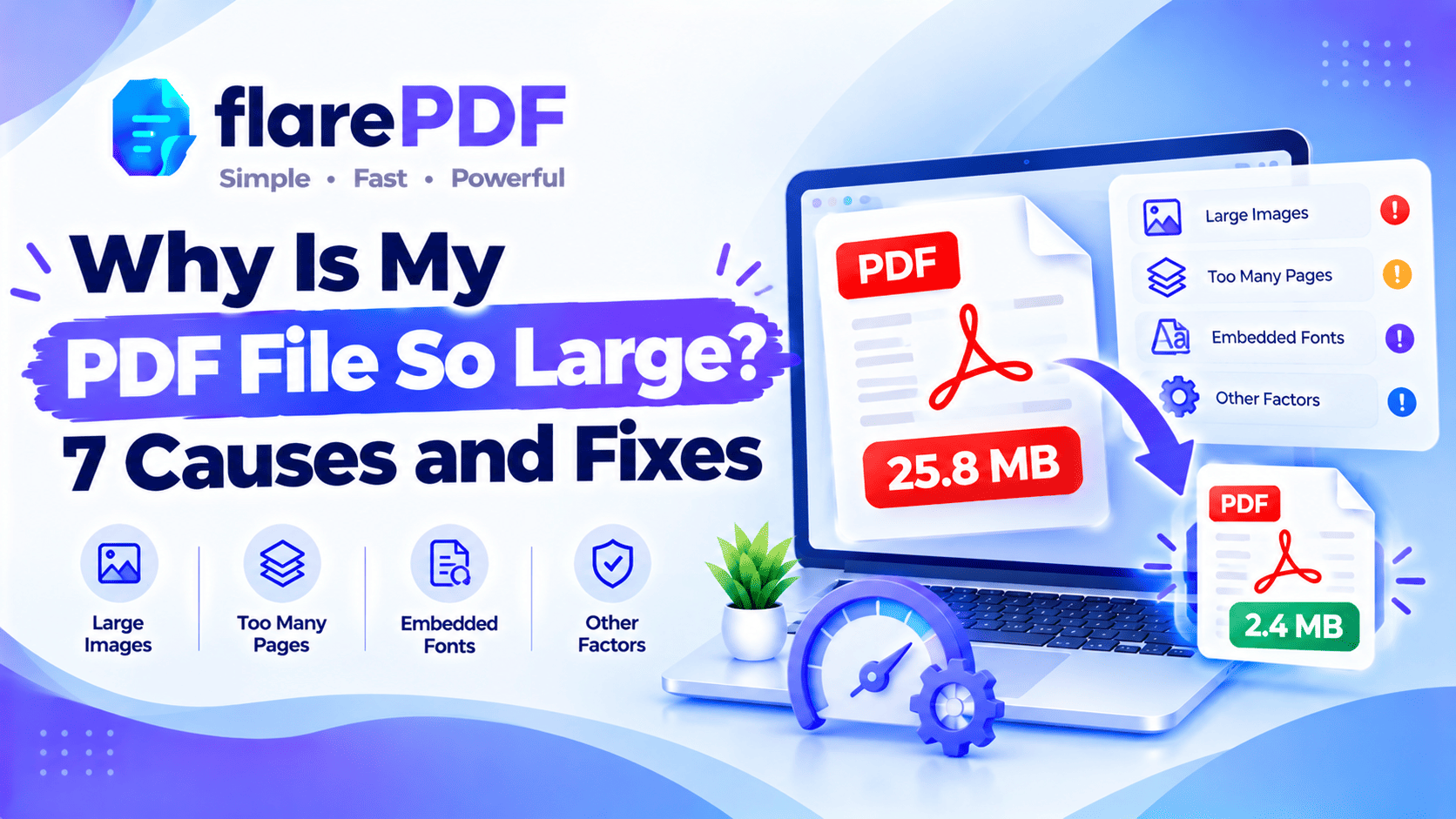
Why Is My PDF File So Large? 7 Causes and Fixes
Why is my PDF file so large? See the 7 most common causes, from photos and scans to fonts and editing history, plus simple free fixes for each.
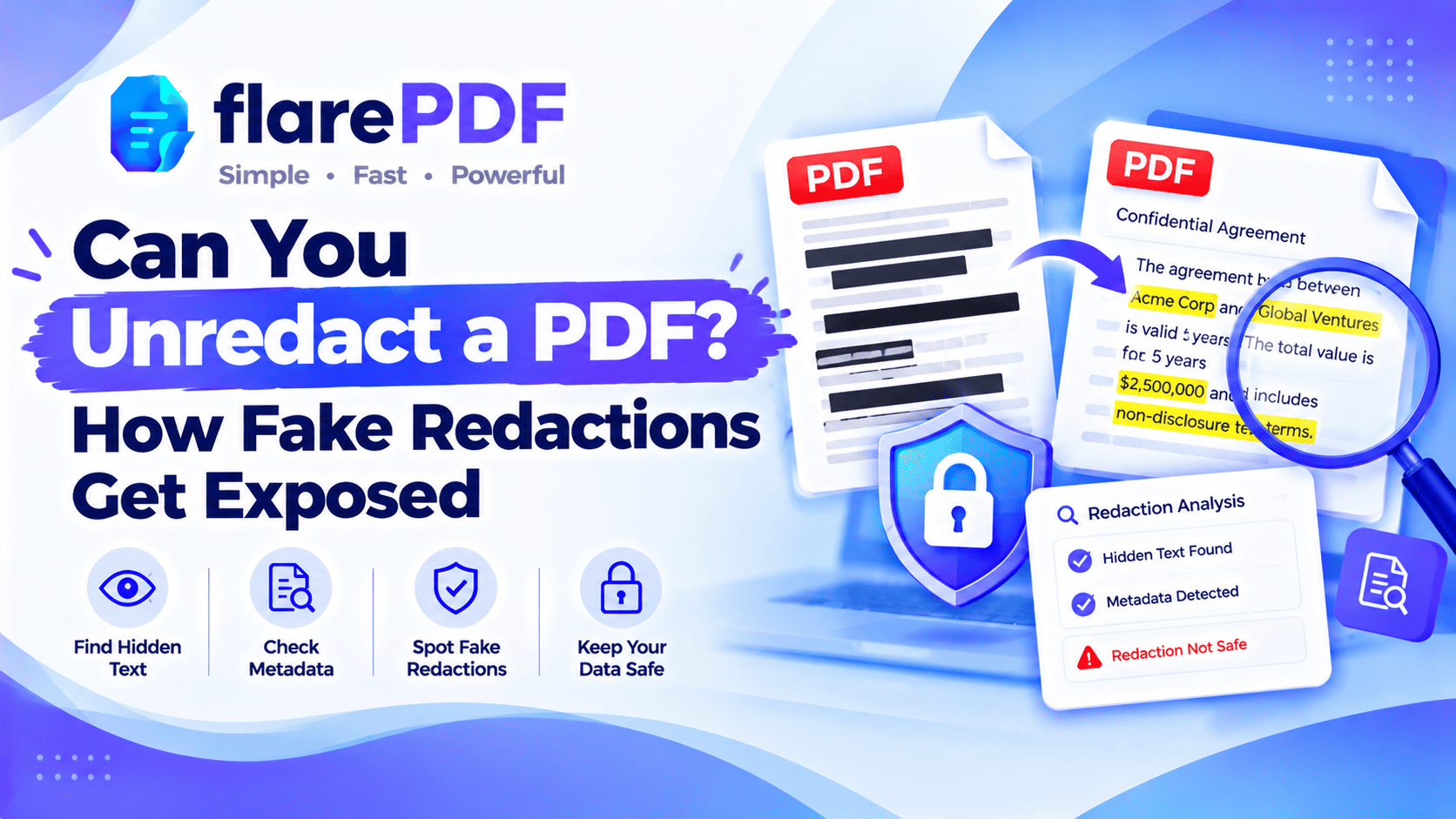
Can You Unredact a PDF? How Fake Redactions Fail
Can you unredact a PDF? Real redactions can’t be reversed, but fake ones can leak. See how weak redactions get exposed and how to test your own file.